As AI Developers we understand the power that the Cognitive Services provide. The facility to build intelligent and supported algorithms into apps, websites, and bots to see, hear, speak, understand, and interpret your user needs. The APIs in Cognitive Services are hosted on a growing network of Microsoft-managed data centers.
We need to start thinking on new scenarios that were simply not possible before. Smart sensors, connected devices are becoming a trend towards a future powered by the intelligent cloud and intelligent edge. We can think of the intelligent edge as a continually expanding set of connected systems and devices that gather and analyze information close to the physical world where data resides, to deliver real-time insights and immersive experiences that are highly responsive and contextually aware. At the edge, the application is contextually aware and can run in both connected and disconnected states.
Microsoft announced last year, the preview of Azure Cognitive Services containers on edge devices, making it possible to build intelligent applications that span the cloud and the edge.
Possible problems when implementing Cognitive Services directly from the cloud.
Some of the problems that encouraged Microsoft to provide with the possibility to have their Cognitive services running on the edge, where problems like:
Internet connection and / or file weight
Some scenarios that require working with image analysis such as Object Recognition or Face Recognition, manage huge amount of data. Although you can work the images locally to reduce weight and also to decide when it should be sent for analysis to the cloud and when not, the file might also be too heavy for the type of internet connection that our end customer might have. Digging a little deeper in this case, what happens if our client does not have a continuous internet connection?
Security
It may happen that you come across a client who does not want to upload their files to the cloud. Your customer can have legal restrictions on the data that they handle or consider their security sensitive. Although providers like Microsoft have very clear legal terms and ensure the privacy of their users, there is a possibility that the aforementioned will happen.
We can continue mentioning possible scenarios that have conflicts for the implementation of Cognitive Services. But Microsoft thought about how to provide the service to those customers who may be going through the aforementioned.
Docker Containers
Microsoft long ago, announced Docker support. Containerization lets developers build big AI systems that run at scale, reliably, and consistently in a way that supports better data governance. These containerized instances operate in a very similar way to the Cognitive Services cloud APIs running in the hosted Azure endpoint. This means you can use the same API’s and samples for details on how to use the service regardless of whether you’re calling the container or the Cognitive Services cloud.
How does Microsoft manages Billing ?
To keep things simple, the billing and business model for Cognitive Services in containers is exactly the same as it would be if you were using the Cognitive Services cloud. The containers must have the ability to connect to Azure both at start-up and then again at regular intervals while they’re running. This will only send metering information to Azure.
What if I need to build a full disconnected solution?
Since we are talking about Previews, Microsoft is open to work with clients that need to apply different scenarios like this one, you can contact the team filling this form.
How can I test these containers?
As mentioned before, these containers are in Preview. To get access you can fill out this form and someone from Microsoft Cognitive Services Team will contact you. Once you get access it’s pretty simple to pull the image and run the container.
1 – Install Docker https://docs.docker.com/. Must be configured to allow the containers to connect with and send billing data to Azure. And if installing in Windows, make sure is configured to support Linux containers.
2 – Log in to the private container with the credentials you received from Microsoft.
docker login containerpreview.azurecr.io -u <username> -p <password>
3 – Go to https://portal.azure.com and create a new service corresponding to the container you are using (face, text, etc). Once created you will need the EndPoint and the Key so copy this information.
4 – Get the container image with Docker Pull.
docker pull containerpreview.azurecr.io/microsoft/cognitive-services-read:latest
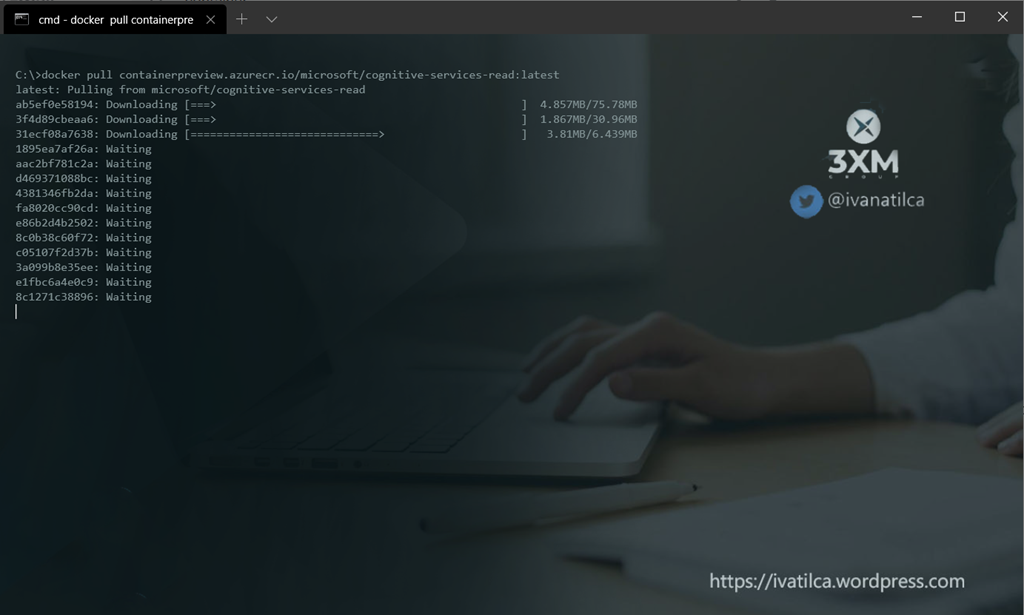
5 – Use the container. The Eula, Billing, and ApiKey options must be specified to run the container; otherwise, the container won’t start.
docker run –rm -it -p 5000:5000 containerpreview.azurecr.io/microsoft/cognitive-services-read Eula=accept Billing={ENDPOINT_URI} ApiKey={API_KEY}

6 – Validate the container is running.
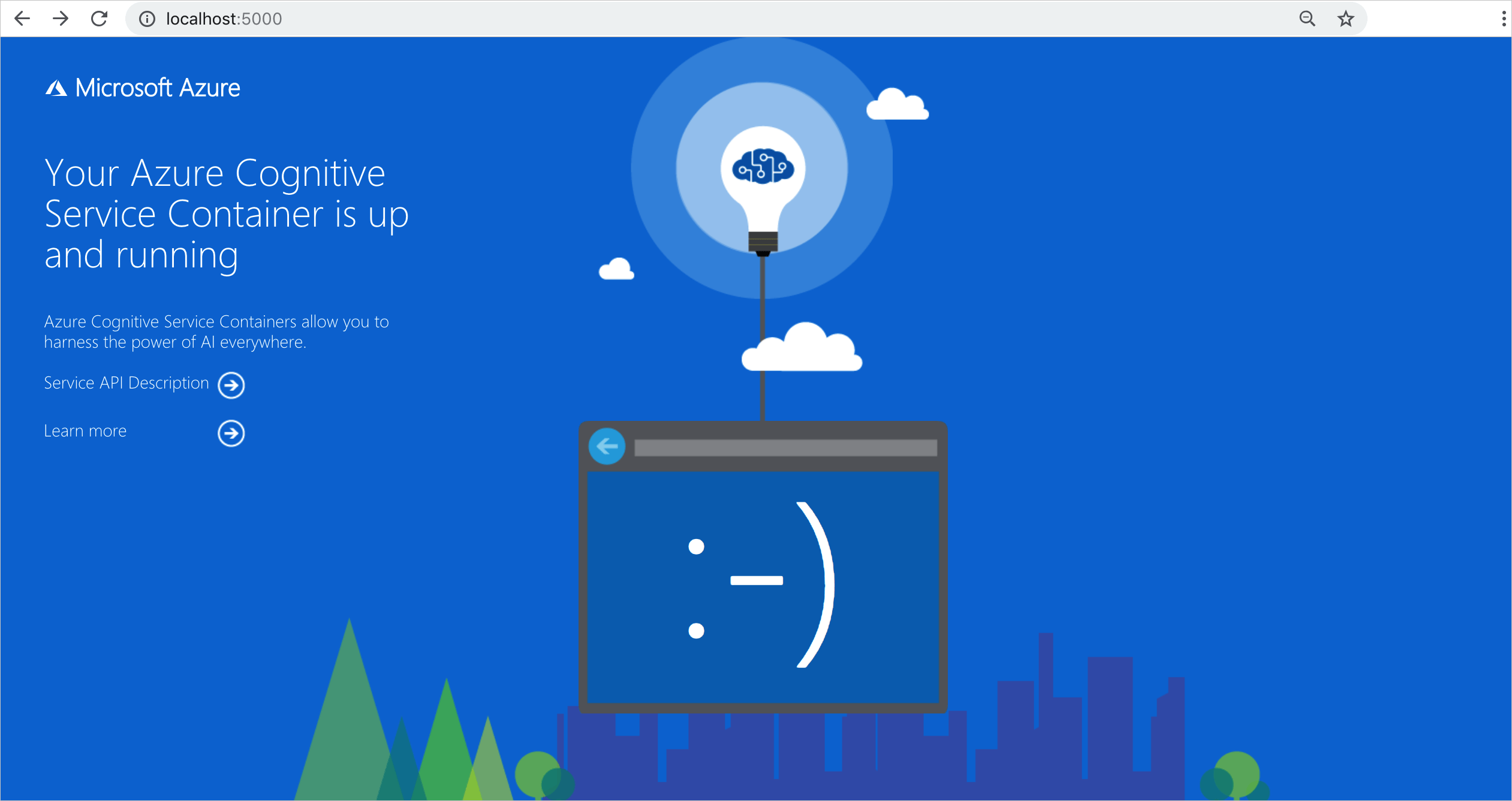
Why is this a great opportunity for your business?
Because if you are in a scenario in which you don’t have a reliable internet connection, or want to save on bandwidth cost, have super low latency requirements, or are dealing with sensitive data that needs to be analyzed on-site, Cognitive Services containers gives you consistency with the cloud. This means developers can perform analytics operations for Computer Vision, Face, Text Analytics, and Language Understanding without sending their content to the cloud.
In my next article I will show how to connect to our Cognitive Services on the edge.

 Ivana Tilca
Leave a Reply