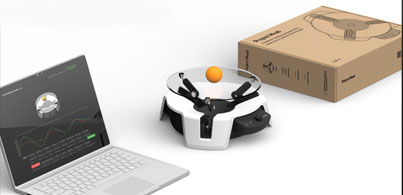
Microsoft presented last week in Build two projects that actually work together. We are talking about Project Moab and Project Bonsai.
Project Moab
Project Moab, is an open source machine teaching robotics hardware kit which allows you to quickly learn via a a fun desktop balancing platform. It can quickly go from the seemingly straightforward, but in actuality decidedly non-trivial, to the exceedingly complex all while enabling you to learn how to harness sophisticated simulation and machine teaching capabilities for your own use cases.
The Microsoft autonomous systems platform allows you to drive real – world innovation, build trustworthy autonomy, and scale human expertise.
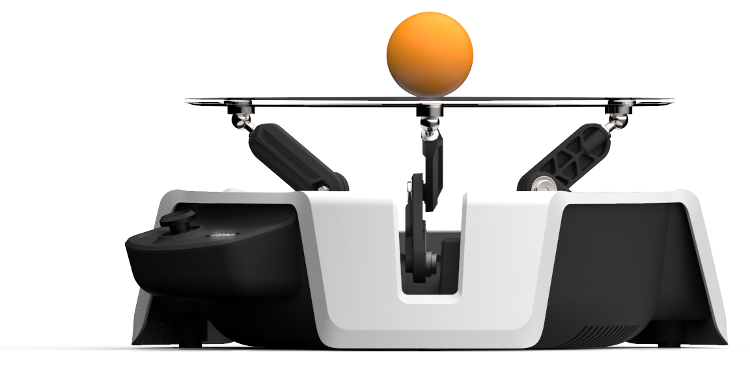
The device (shown in the previous image) has three arms powered by servo motors. These arms work in tandem to control the angle of the transparent plate to keep the ball balanced.
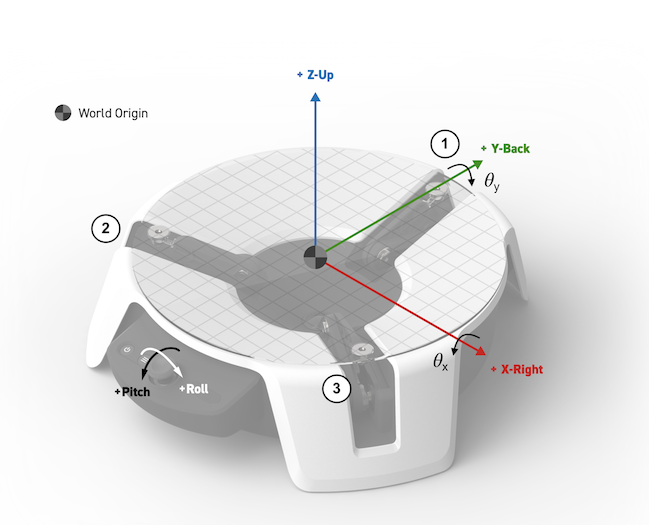
The trained AI must learn how to adjust the plate pitch and roll to balance a ball using the following objectives:
- The ball position (x, y) will reach the plate center at (0, 0) and stay there.
- The ball position will not get near the plate edge at ( | (x, y) – (0, 0) | << r).
Project Bonsai
Bonsai is a new service from Microsoft that enables engineers, subject matter experts and other who are interested, to teach an AI to solve complex, dynamic control problems. This new technology uses something called machine teaching.
Machine teaching is a new way to express what it is you want an AI to learn and how you wanna learn it. One of the core components in this new technology is a reliance on simulation. With simulation, the AI can learn from lots and lots of data before we go and put it onto a real system.
Hello Project Bonsai
1- Go to Portal.azure.com and create a Bonsai.
2 – Fill the following information and press Create.

Once its finished you will have the following resources.
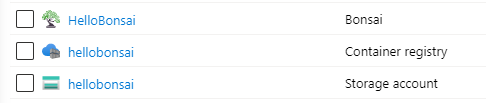
3 – Select Bonsai Bonsai and Launch Workspace
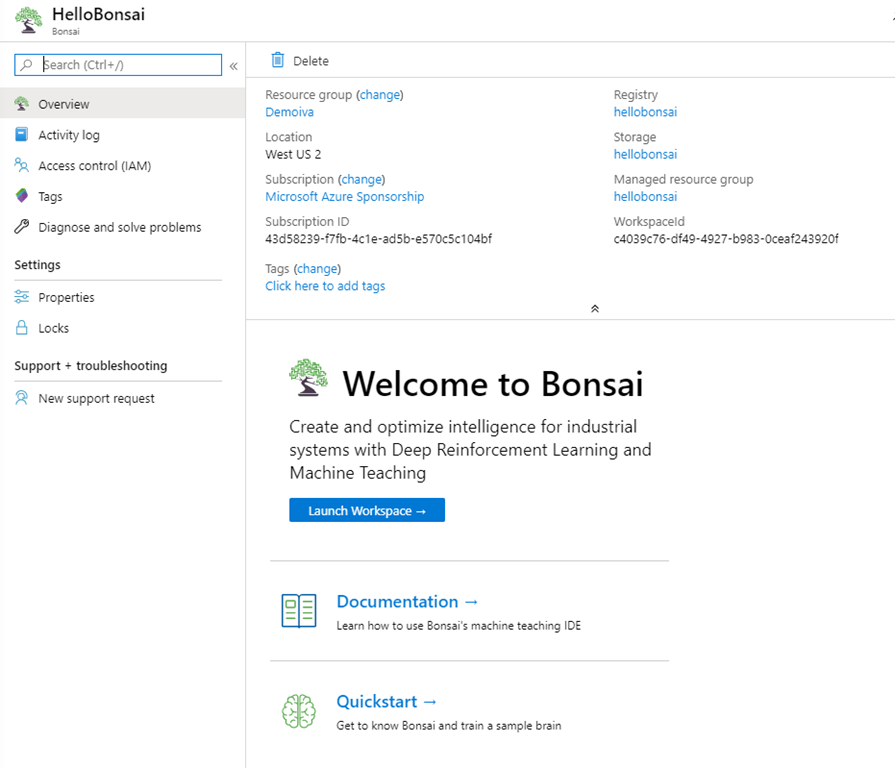
You will be redirected to Preview.bons.ai
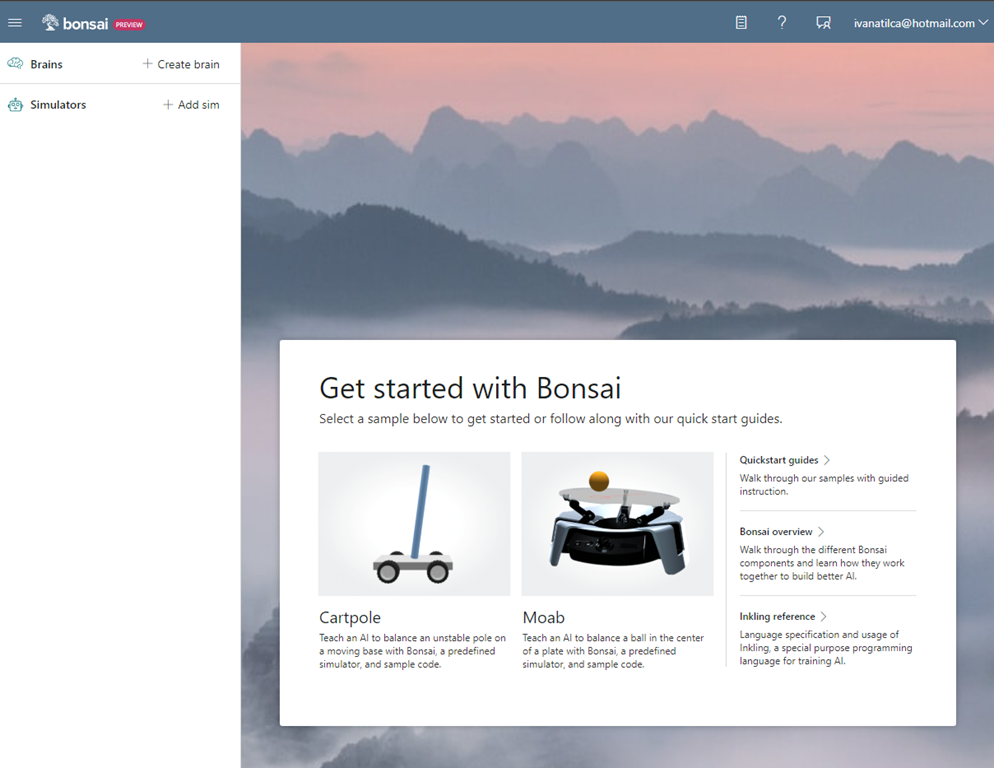
4 – Lets create a new brain, select the Option Moab. Assign a name to the brain and create it.

5 – After creating the Moab sample brain and simulator sample, Bonsai automatically opens the teaching interface, which is prepopulated with everything you need to get started. In the left panel, you have the “Navigation sidebar” that lists all the brains and simulators. In the middle, you can see the “Coding Panel” is your Inkling (machine teaching proprietary language, designed to focus on what you want to teach while handling the AI details for you), code editor. And finally at the right, the “Graphic panel” that displays an interactive, representation.

6 – Click on the “Train” button.
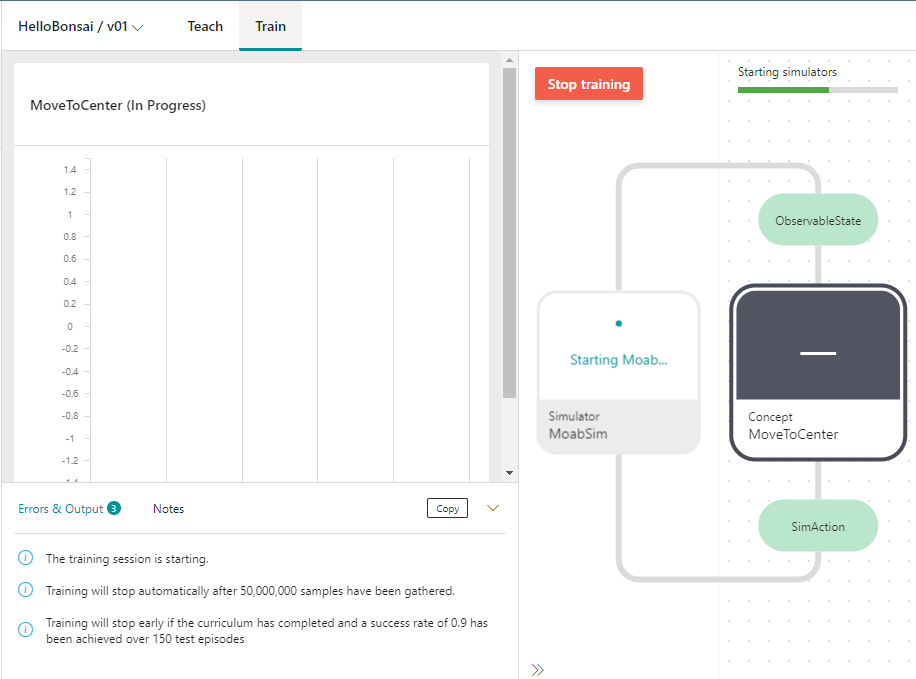
7 – Once the training finishes… There is a live visualization of the Moab simulator below the performance plot, as seen in the following screenshot:
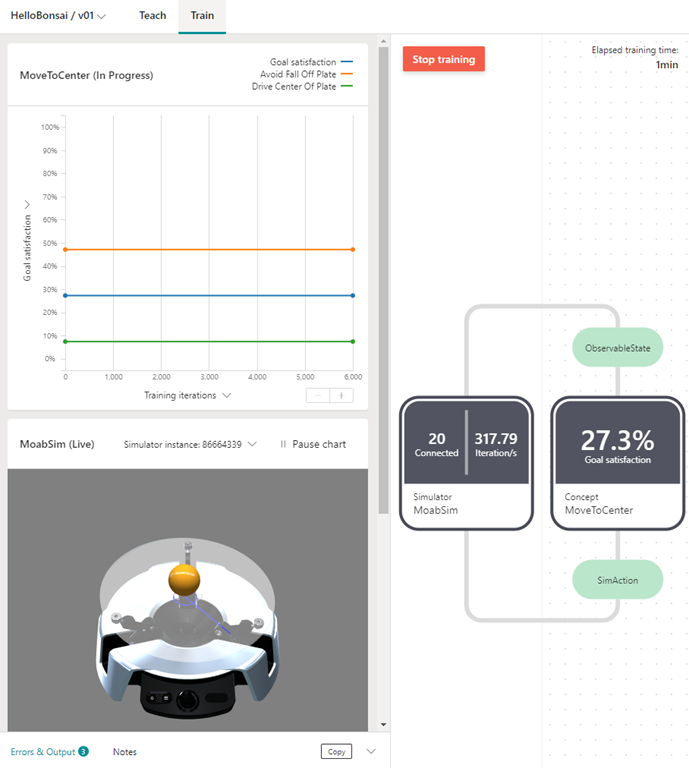
Congratulations! You trained a brain that can balance a ball on a plate, and can be deployed on real hardware.
Conclusion
Across every industrial sector, dynamic and intuitive machines are changing how businesses operate. Unlike traditional rules-based technology, these flexible machines and processes adapt to dynamic environments and changing variables. Imagine a production line where robotic arms install electrical components in machines. Typically, the arm would have to pause if a part wasn’t oriented correctly on the production line. But with dynamic, adaptable technology, the arm can adjust its movement to easily install the part no matter how it’s positioned. Industry 4.0 is defined by the infusion of intelligence, connectivity, and automation into the physical world. Smart, connected, and agile operations are ushering in a new era of digital industry. With Microsoft’s Project Bonsai solution, engineers can build smarter, more agile control systems that help their machinery and processes adapt in real time to changing conditions.
To learn more, visit the Project Bonsai website and contact the Project Bonsai team at bonsaiq@ microsoft.com.

 Ivana Tilca
Leave a Reply